Free Reading Tracker Spreadsheet by ReadersGuild
Download a free XLSX reading tracker with a session log, monthly totals, a reading-time chart and a fictional example. No email or signup required.
A ReadersGuild guide. About the publisher. Revised .
Keep a record of your reading time, pages and thoughts. The workbook totals your sessions by month and draws a chart from the same data.
One macro-free XLSX with a Tracker summary, a blank Sessions log and a fictional Example tab. 500 rows for your own sessions. No signup or email required.
Start with one sitting
- Save your own copy and open Tracker. Change the reading year in the amber cell if needed.
- Open Sessions and enter a date, book title and positive number of minutes. Enter pages read during that sitting if you want to track pages, or leave them blank for audio or time-only reading.
- Add a thought or a next step. A row marked Ready contributes to totals for its year. Check input means a required value is missing or invalid.
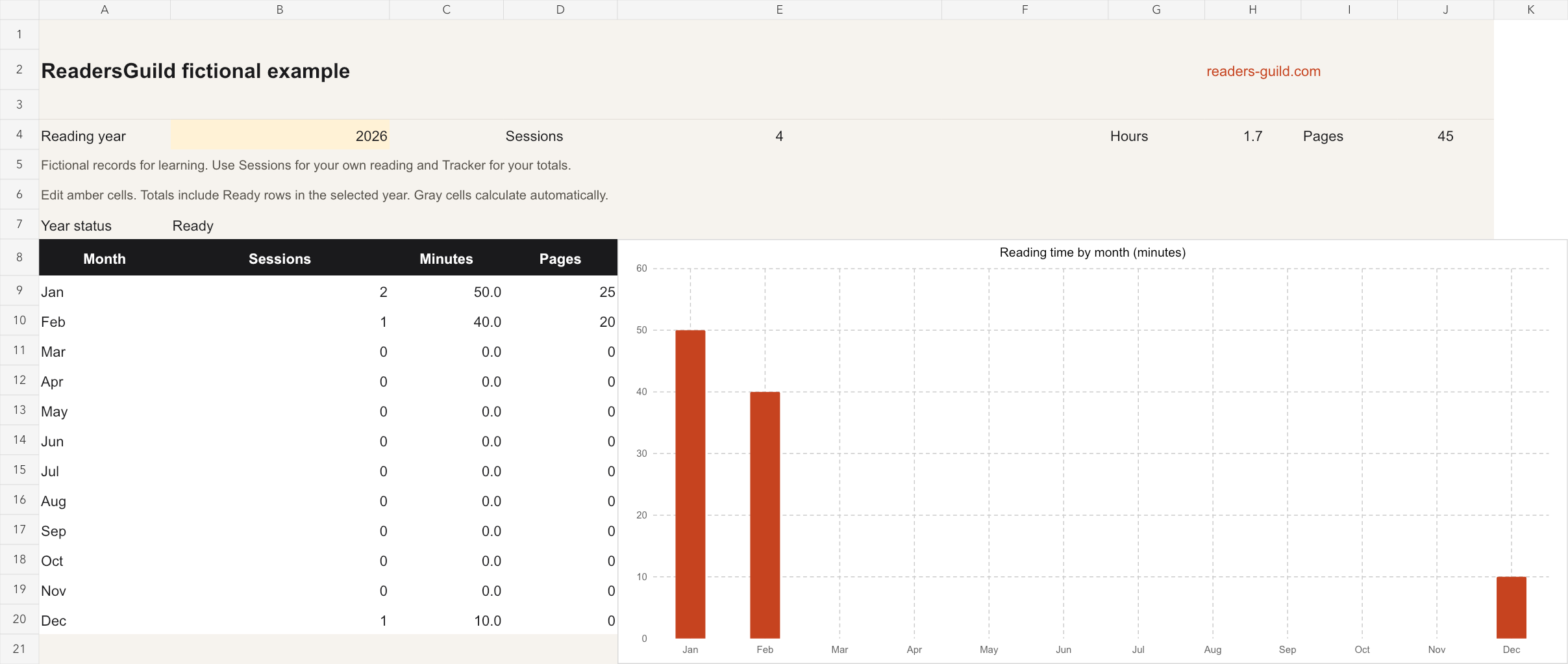
- Return to Tracker for the monthly table and chart. Use Example to see the calculation with fictional data. Keep your real log separate from those sample rows.
You enter
- Date and book title
- Minutes spent reading
- Optional pages read
- A thought or next step
The workbook calculates
- Valid session counts by month
- Monthly minutes and pages
- Annual reading hours from minutes
- A monthly reading-time chart
What the totals mean
Each Ready row is a session, not a unique book or a day. Two sittings on one book count twice. Pages are the pages you enter for each sitting, not an edition's total length. Blank pages add no pages. Invalid rows are excluded; do not treat an unfinished row as a zero-minute sitting.
The template includes formulas for 500 rows. To log more, save a new workbook or deliberately extend the formulas and summary ranges. It does not promise automatic expansion. It does not estimate reading speed, compare editions or count books finished.
Open, check and keep your copy
Use an XLSX-capable spreadsheet app. If you import it into Google Sheets, keep the original and check Example: January has two sessions, 50 minutes and 25 pages; the year has four sessions, 100 minutes and 45 pages. Native Excel and Google Sheets rendering were not tested here.
The generated workbook was checked for blank/sample totals, edits, year boundaries, zero-minute handling, formula errors and exported chart bindings. It contains no macros, external workbook links or automatic uploads. Saving a copy in your chosen cloud service is separate from downloading this blank file.
ReadersGuild for iPhone
Keep your reading sessions in one place.
Keep the worksheet for your own notes. ReadersGuild keeps your books, reading time and progress together on iPhone. Worksheet entries do not transfer to the app.
See tracking on iPhoneFree to start. Optional paid upgrades. Android is on the email waitlist.
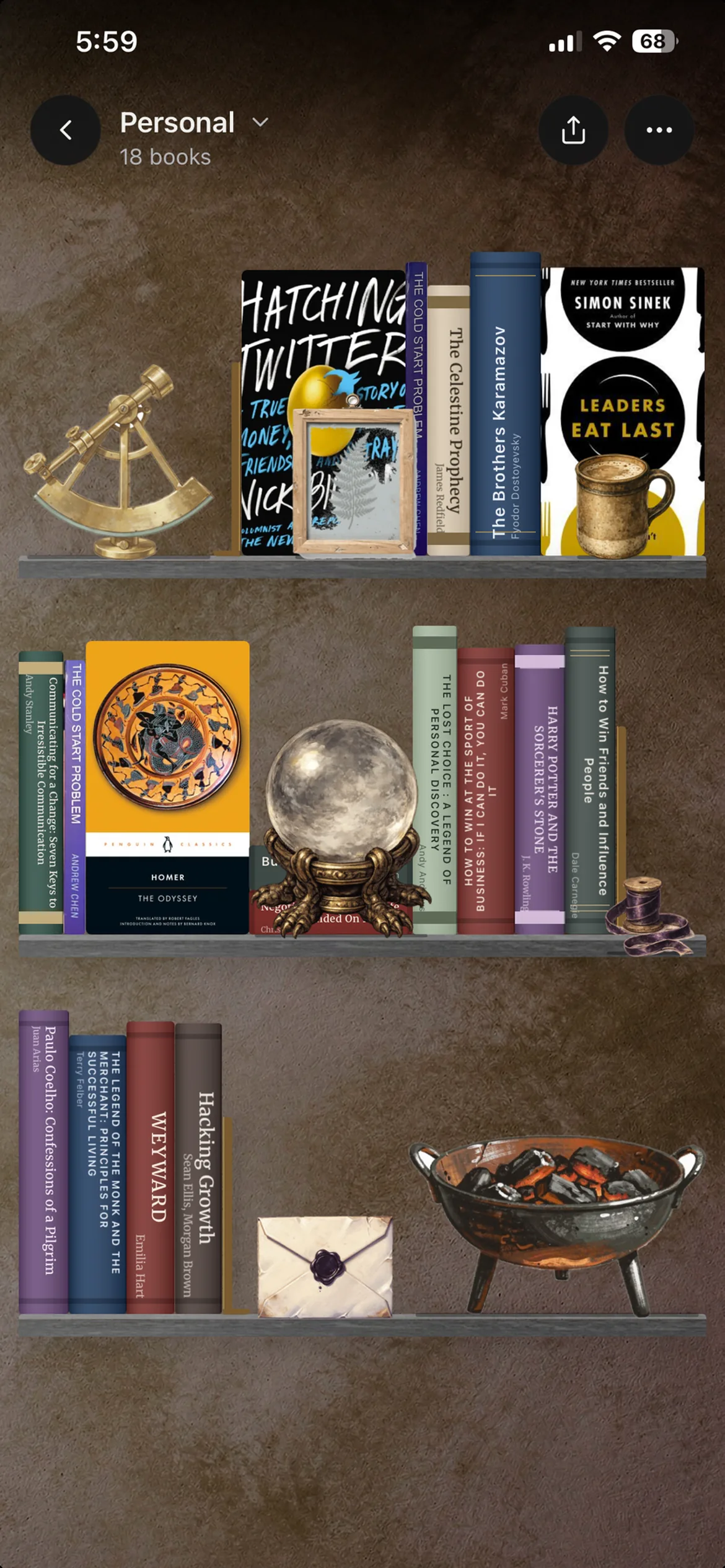
The spreadsheet is independent of the app. Its entries do not transfer through the App Store or import directly into ReadersGuild.