Time your reading.
Start it, put the phone down, and read. No account, nothing to install. The timer keeps going if you switch tabs, and it survives a refresh.
Timer paused, 1 minute elapsed
It is even more fun to read with friends.
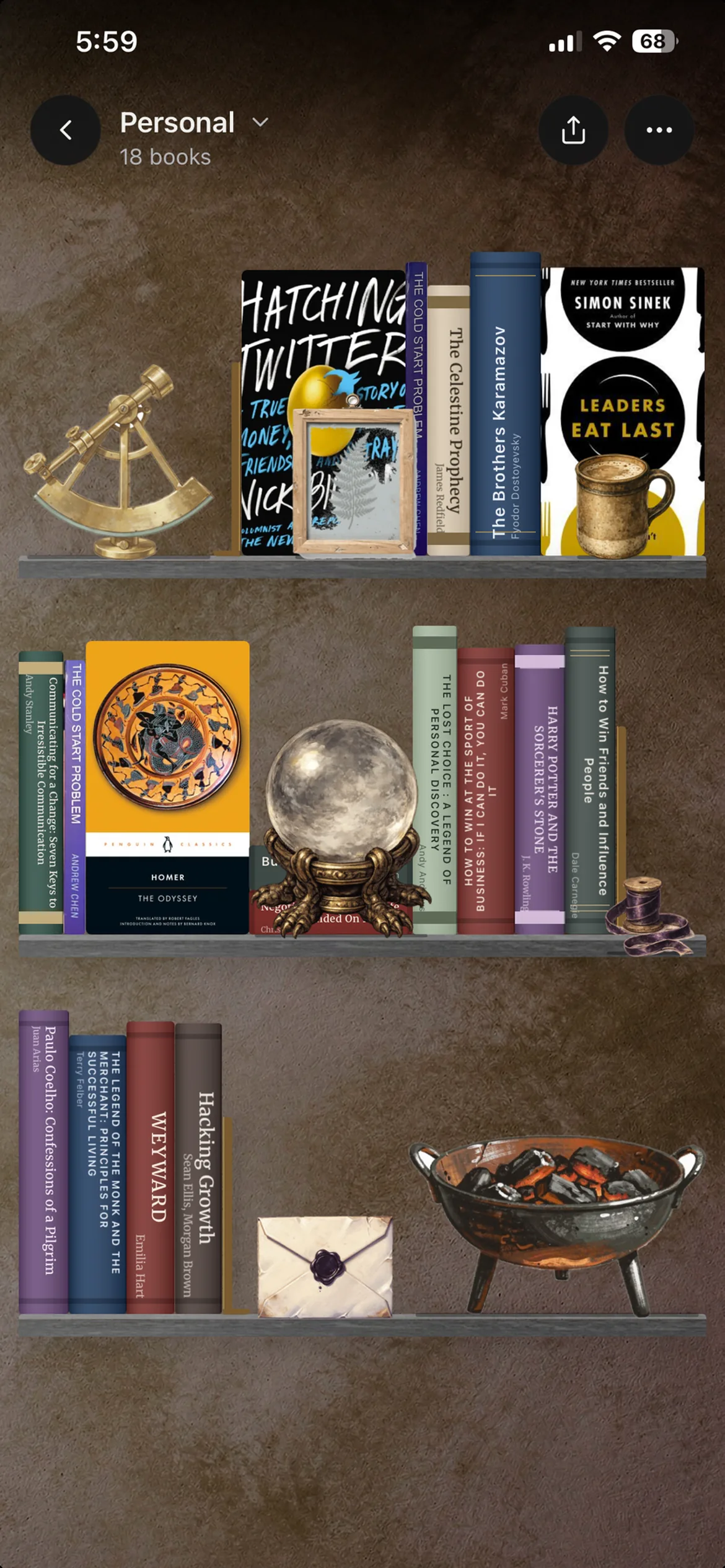
Track your books and read with friends. Decorate your library.
What is a reading timer?
A reading timer is a stopwatch you start when you sit down with a book and stop when you put it down. It turns reading from something you meant to do into something you can see you did, and it tells you your real pace in pages an hour.
Why time your reading at all?
Most people badly misjudge how much they read. A session that felt like an hour was twenty minutes, and the book that felt endless was four sittings. Timing removes the guesswork, and the number is almost always kinder than the guess.
It also makes a plan possible. Once you know you read about 30 pages an hour, a 300-page novel stops being a vague commitment and becomes ten hours, which is twenty minutes a day for a month. That is a decision you can actually make.
How long should a reading session be?
Long enough to get past the settling-in. Most readers need a few minutes before the room goes quiet and the page takes over, so a 10-minute session spends most of itself arriving. Twenty to thirty minutes is where a session starts to feel like reading rather than like starting to read.
Consistency beats length. Thirty minutes a day finishes roughly twelve average novels a year at an ordinary pace. One three-hour Sunday does not, because it rarely happens twice.
What a timer will not tell you
Time is not comprehension. You can sit with a book for forty minutes and take in nothing, and the timer will happily record forty minutes. If you want a number that accounts for how much you actually absorbed, a speed reading test that scores comprehension is the honest instrument.
It also will not make you read. A stopwatch is a measuring tool, not a reason. That part tends to come from other people, which is the problem ReadersGuild is built around.
How to use the reading timer
- 1
Start the timer
Press start when you open the book. Nothing to install and no account needed. The timer keeps running if you switch tabs or close the laptop lid, because it reads the clock rather than counting while the page is awake.
- 2
Read
Put the phone somewhere else. The running time stays visible in the browser tab title if you want to glance at it.
- 3
Pause and see your pace
Press pause when you stop. Enter how many pages you got through and the timer works out your pages an hour and an estimated words a minute.
Frequently asked questions
Sources: Brysbaert, M. (2019). How many words do we read per minute? A review and meta-analysis of reading rate. Journal of Memory and Language, 109. Rayner, K., Schotter, E. R., Masson, M. E. J., Potter, M. C., and Treiman, R. (2016). So Much to Read, So Little Time. Psychological Science in the Public Interest, 17(1). Last reviewed July 2026.
Read it with the Guild
Read with friends, wherever they are.
Read with friends online, track your books, decorate your digital bookshelf, and meet new readers. ReadersGuild is like a 24-hour book club inside your personal library.

“I built this to read with my friends a thousand miles away.”
 Fabio JonathanFounder of ReadersGuild